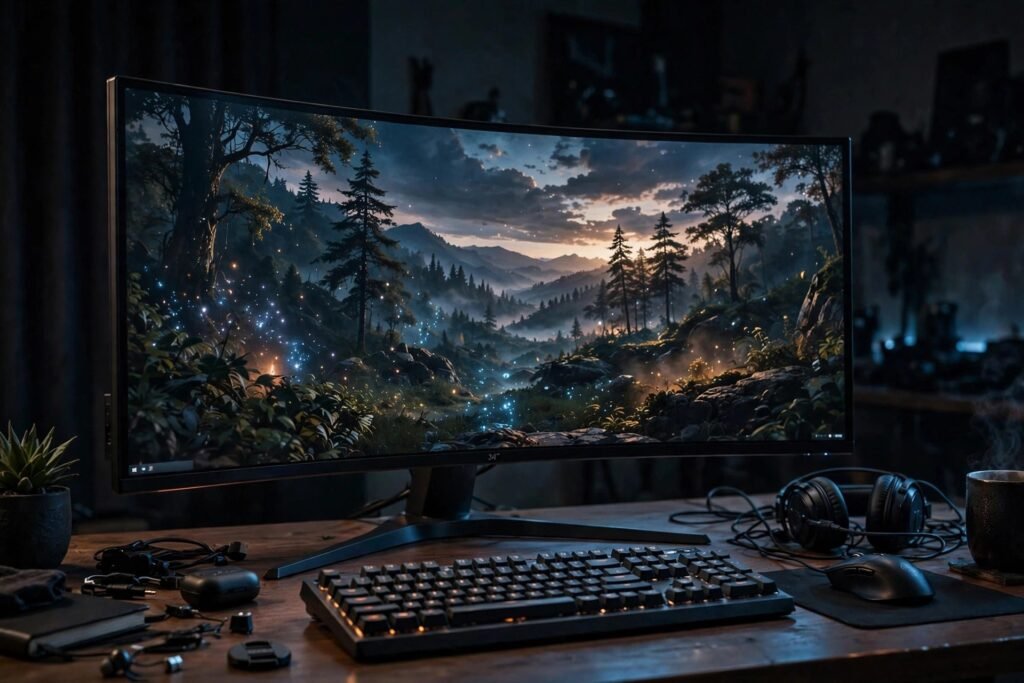
Is a Curved Monitor Good for Gaming? Honest 2026 Answer
Curved monitors look like the future — a wraparound display pulling you into the game world. Manufacturers promise deeper immersion, reduced eye strain, and a competitive edge. Skeptics call it a marketing gimmick that distorts straight lines and costs extra for no measurable benefit. After a decade on the market, we have enough data, enough user experience, and enough panel evolution to give a real answer.
The short version: curved monitors are genuinely better for some gaming setups and pointless for others — and the deciding factors are screen size, viewing distance, and what you play. This guide breaks down the optics, the real benefits, the real drawbacks, and exactly who should buy one.
The Optics: Why Curve at All?
The argument for curvature is geometric. On a flat ultrawide monitor, the edges sit significantly farther from your eyes than the center — at 34 inches wide and a 2-foot viewing distance, the corners are ~20 percent farther away. That means the image edges appear smaller, dimmer, and require more eye refocusing as your gaze sweeps across the screen. A curved panel (typically 1800R, 1500R, or 1000R curvature — the number is the radius in millimeters; smaller = more aggressive curve) wraps the edges toward you, equalizing viewing distance across the panel.
The measurable benefits: more uniform perceived brightness and color (edges no longer viewed at extreme angles), reduced eye refocusing as gaze moves across the screen (the eye’s lens adjusts less), and enhanced peripheral immersion — the screen fills more of your visual field at the edges, which is the actual mechanism behind the “wraparound” feeling. These are real optical effects, not placebo — though their practical magnitude depends heavily on setup.
What the Eye-Strain Research Says
Studies on curved versus flat displays (including peer-reviewed work on visual fatigue) find modest but real reductions in eye strain and improved visual comfort with curved panels — at larger sizes and closer viewing distances. The effect washes out on 24-27 inch monitors at normal desk distances, where the geometry barely differs from flat. The research consensus mirrors the practical consensus: curvature matters when the screen is big enough for the edges to be a problem.
When Curved Is Genuinely Better for Gaming
Ultrawide gaming (34″+, 21:9 or 32:9). This is curved’s home turf. A 34-inch ultrawide flat panel has genuinely problematic edge angles; the same panel curved at 1800R or 1500R is meaningfully more uniform and immersive. For 49-inch super-ultrawides (32:9), curvature is essentially mandatory — flat 49-inch panels are ergonomically hostile. If you are buying ultrawide for immersive single-player games (RPGs, sims, racing), curved is the right choice, full stop.
Sim racing and flight sims. Triple-monitor curved setups (or single large curved panels) are the sim community’s standard for a reason: the wraparound matches the cockpit’s field of view, and the immersion translates to measurably better spatial awareness. This is the one competitive-adjacent use case where curved is consensus.
Immersive single-player experiences. Story-driven games, atmospheric horror, exploration — anywhere “being there” is the point, the peripheral fill of a curved ultrawide deepens the experience in a way flat panels do not replicate.
When Curved Doesn’t Matter (or Hurts)
Competitive esports (FPS, Valorant, CS2). The pro scene is overwhelmingly flat — 24-25 inch, 1080p/1440p, high refresh rate. Reasons: at that size curvature’s optical benefits are negligible, flat panels historically offered better response times and fewer distortions, and pros prioritize consistency across tournament setups (which are flat). If your goal is ranked climbing, money is better spent on refresh rate (240Hz+) and response time than on curvature.
Standard 16:9 at 24-27 inches. The geometry just does not justify it. A curved 27-inch monitor’s edges are barely farther than its center; you are paying for aesthetics. Put the price difference toward a better panel (IPS vs. VA), higher refresh rate, or HDR.
Productivity and content creation. Curvature distorts straight lines — a real problem for photo/video editing, CAD, spreadsheets, and design work. If the monitor doubles as a work display, flat is the safer choice unless you are certain the curve does not bother you.
Shared viewing and tight desks. Curved panels have a narrower optimal viewing position — great for one person centered, worse for someone watching from the side. And aggressive curves (1000R) need depth; on a shallow desk, you sit inside the curve’s minimum comfortable distance.
The Panel-Type Interaction
Most curved gaming monitors use VA panels (which curve well and offer great contrast) rather than IPS. VA’s weaknesses — slower response times (smearing in fast motion) and narrower viewing angles — interact with curvature: the curve helps VA’s viewing angles (the original reason for curving!), but budget curved VA panels can still smear. Check independent reviews for response-time measurements — Rtings tests this rigorously — and consider fast-IPS curved options if you play competitive titles.
What to Buy: The Decision Framework
Buy curved if: you are getting 34″+ ultrawide (or 32″+ 16:9), you sit 2-3 feet away centered, you primarily play immersive single-player or sim games, and the monitor is mostly for gaming.
Buy flat if: you play competitive FPS, the monitor is 27″ or smaller, you do content creation or design work, you share the screen, or your desk is shallow.
Specs that matter more than curvature either way: refresh rate (144Hz minimum for gaming; 240Hz+ for competitive), response time (under 5ms GtG; under 2ms for esports), panel type (IPS for color/angles, VA for contrast, OLED for everything if budget allows), resolution matched to GPU (1440p is the sweet spot for most gaming PCs in 2026), and HDR implementation (real HDR600+ or skip it).
Ergonomics deserve equal billing with panel specs — monitor distance, height, and your posture over long sessions affect comfort more than curvature ever will. Our guide to improving desk posture and the breakdown of standing desks for back pain cover the setup fundamentals that no monitor choice can substitute.
For detailed model comparisons, Rtings and Tom’s Hardware both maintain current curved-gaming-monitor roundups with measured (not marketed) performance data.
Conclusion
A curved monitor is good for gaming when the screen is large enough for curvature’s geometry to matter — 34″+ ultrawides, sim setups, immersive single-player — where it delivers genuinely more uniform image quality and deeper peripheral immersion. It is pointless-to-worse for competitive FPS, 27″-and-under 16:9 panels, and mixed productivity use, where flat panels’ line accuracy and viewing flexibility win. Match the curve to the size and the games, and spend the real money on refresh rate, response time, and panel quality — those determine gaming performance far more than the bend in the glass.
Frequently Asked Questions
Are curved monitors better for gaming?
For large ultrawides (34″+) and immersive/sim gaming, yes — measurably more uniform image and deeper immersion. For competitive FPS and 27″-and-under monitors, no — flat is equal or better, and pros overwhelmingly use flat.
What does 1500R vs 1800R mean?
The curvature radius in millimeters — smaller numbers mean a more aggressive curve. 1800R is gentle, 1500R moderate, 1000R aggressive. Match aggressiveness to screen size: bigger screens suit tighter curves.
Do curved monitors cause more eye strain?
The opposite at appropriate sizes — studies show modest reductions in visual fatigue with curved panels at larger sizes, because the eyes refocus less across the screen. The effect is negligible on smaller monitors.
Are curved monitors bad for work?
They can be for precision work — curvature distorts straight lines, which bothers photo/video editors, CAD users, and spreadsheet-heavy workflows. For general office work and media consumption, most people adapt fine.
What matters more than curvature for gaming monitors?
Refresh rate (144Hz+, 240Hz+ competitive), response time, panel type, resolution matched to your GPU, and genuine HDR capability. These affect gaming performance far more than whether the panel curves.