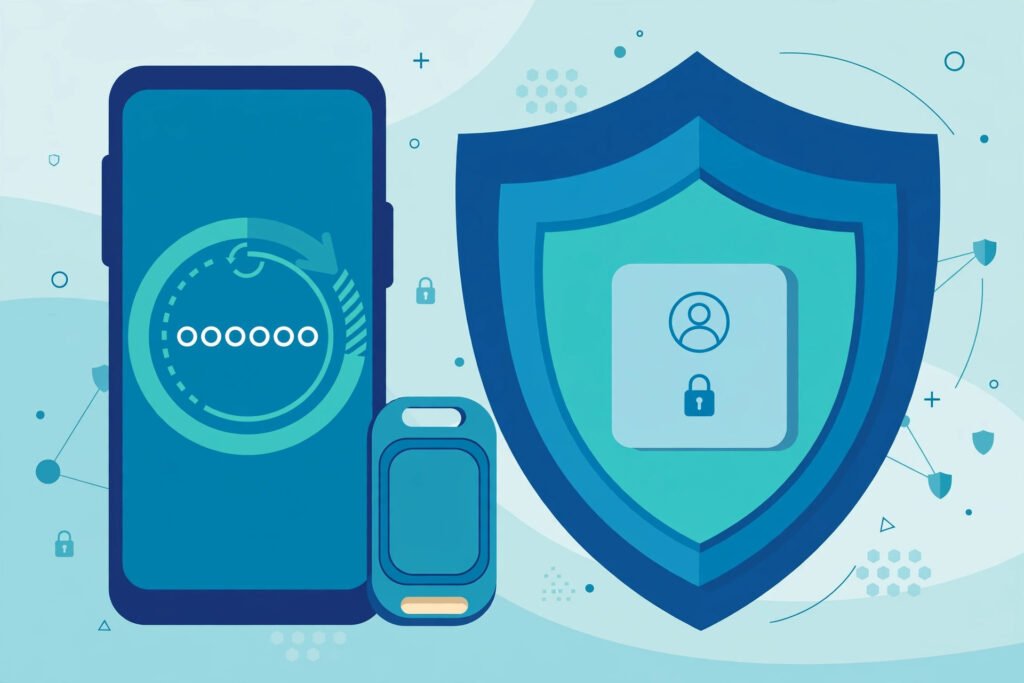
Secure Your Crypto Exchange Account With 2FA: Full Setup
The most common way crypto exchange accounts get drained has nothing to do with hacking the exchange — it is hacking you. Attackers SIM-swap your phone number, intercept your SMS codes, and walk into your account like they own it. Proper two-factor authentication stops this cold, but “proper” is doing heavy lifting: SMS-based 2FA — the default most people never change — is the weakest form and the one attackers defeat routinely. This guide shows how to secure your crypto exchange account with 2FA done right: authenticator apps, hardware keys, backup strategies, and exactly what to do if you lose access.
Why SMS 2FA Is Not Enough
SMS two-factor feels secure — a code texted to your phone — but it has a fatal flaw: your phone number is not really yours. Through SIM-swapping, attackers convince your carrier to transfer your number to their SIM card (using stolen personal data and social engineering), and suddenly they receive your 2FA codes. The FBI’s Internet Crime Complaint Center logs thousands of SIM-swap cases annually, with crypto holders as prime targets because the theft is instant and irreversible. SMS codes can also be intercepted via SS7 network vulnerabilities. Every major exchange supports stronger methods — using SMS when authenticator apps exist is like locking your front door but leaving the key under the mat. If you do nothing else from this article: switch every exchange account from SMS to an authenticator app today.
Setting Up Authenticator-App 2FA
- Install an authenticator app — Google Authenticator, Microsoft Authenticator, Authy, or 1Password’s built-in authenticator. Authy and 1Password offer encrypted cloud backup of your codes (convenient but a slightly larger attack surface); Google/Microsoft keep codes device-local (more secure, but lose the phone and you lose the codes without backups).
- In your exchange’s security settings, choose “Authenticator app” as your 2FA method. The exchange displays a QR code.
- Scan the QR code with the authenticator app. It begins generating 6-digit codes that rotate every 30 seconds.
- Enter the current code to confirm setup. The exchange now requires a code for logins and withdrawals.
- Save the backup/recovery codes the exchange shows you — print them and store with your other secure documents. These are your lifeline if you lose your phone.
- Disable SMS 2FA afterward if the exchange allows — leaving SMS enabled as a “backup” preserves the SIM-swap vulnerability you just closed.
This pairs with broader account hygiene — the same principles behind storing passwords securely apply: unique credentials everywhere, no reuse, no plaintext.
Level Up: Hardware Security Keys
For accounts holding significant funds, a hardware security key (YubiKey) is the gold standard. It is a physical USB/NFC device: logging in requires touching the key, and the cryptographic protocol (FIDO2/WebAuthn) is phishing-proof — even if you are tricked into entering credentials on a fake site, the key will not authenticate to the wrong domain. Setup: register the key in your exchange’s security settings alongside (or instead of) the authenticator app. Buy two keys — one primary, one backup stored separately — because a single key is a single point of failure. At ~$25–$55 per key, it is the cheapest meaningful security upgrade in crypto. Major exchanges including Coinbase and Kraken support security keys natively.
Defending Against SIM-Swaps Directly
Even with app-based 2FA, harden the phone number itself:
- Set a carrier PIN/port-out PIN — call your carrier and add a PIN required for any SIM changes or number ports. This single step blocks most SIM-swap attempts.
- Use a separate number for crypto accounts — a Google Voice number or secondary line isolates your exchange accounts from the number attackers find in data breaches.
- Reduce your data footprint — SIM-swappers need your personal details; limit what is public on social media and consider removing yourself from data-broker sites.
- Watch for the warning signs: sudden loss of cell service, unexpected “SIM updated” texts, or password-reset emails you did not trigger. If your phone goes dark unexpectedly, contact your carrier immediately from another phone — speed matters enormously.
Unwanted calls are part of the same threat landscape — our guide to stopping robocalls covers reducing the phone-based attack surface generally.
Backup Strategy: Don’t Lock Yourself Out
The cruelest irony in crypto security is locking yourself out with protection you set up correctly. Prevent it:
- Store recovery codes physically — printed, in a safe or safe deposit box. Screenshots in your camera roll do not count (they sync to the cloud and get stolen).
- Back up authenticator seeds — when setting up 2FA, save the QR code or manual setup key, not just the resulting codes. This lets you recreate the authenticator on a new phone.
- Register two 2FA methods where supported (e.g., authenticator app + hardware key) so losing one does not mean losing access.
- Test recovery annually — verify you can actually log in using your backup method. Discovering a dead backup during a real lockout is a nightmare.
If You Lose Access Anyway
Act in this order: (1) Use the exchange’s account-recovery flow with your recovery codes and ID verification — this works but takes days. (2) If you suspect SIM-swap or compromise, contact your carrier immediately to freeze the number, then the exchange’s support to freeze withdrawals. (3) Document everything with timestamps — if funds were stolen, you will need records for law enforcement and the FBI’s IC3 complaint portal. (4) After recovery, rotate everything: new 2FA, new password, new API keys, and review withdrawal addresses for tampering. The Cybersecurity and Infrastructure Security Agency (CISA) publishes excellent account-recovery guidance for compromised accounts generally, and the CFPB’s identity-theft resources cover the financial-recovery side.
Conclusion
Securing your exchange account with 2FA properly means: authenticator app (never SMS alone), hardware security key for meaningful holdings, carrier PIN against SIM-swaps, recovery codes stored physically, and a tested backup plan you actually verify works. This layered setup takes under an hour and defeats the attack vectors responsible for the vast majority of account takeovers. Exchanges get breached rarely; users get breached constantly — and the difference is almost always authentication hygiene. Be the account that attackers skip. Review these settings once a year — security features improve, and your holdings may have grown into needing that hardware key.
Frequently Asked Questions
Is SMS 2FA better than nothing?
Yes — it stops basic password-guessing attacks. But it is vulnerable to SIM-swapping, so treat it as a temporary measure and upgrade to an authenticator app as soon as possible.
What happens if I lose my phone with my authenticator app?
Use your printed recovery codes to regain access, or restore from the authenticator’s cloud backup (Authy/1Password) if enabled. This is why saving recovery codes physically during setup is non-negotiable.
Are hardware security keys worth it?
For holdings above a few thousand dollars, absolutely — they are phishing-proof and cost $25–$55. Below that, a properly backed-up authenticator app is sufficient.
Can I use the same authenticator app for multiple exchanges?
Yes — one app holds codes for all your accounts. Just ensure the app itself is backed up (cloud sync or exported seeds) so one lost phone does not lock you out of everything.
How do I know if I’ve been SIM-swapped?
Sudden loss of cellular service, unexpected carrier messages about SIM changes, and password-reset emails you did not request. Act immediately: call your carrier from another phone and freeze the number.