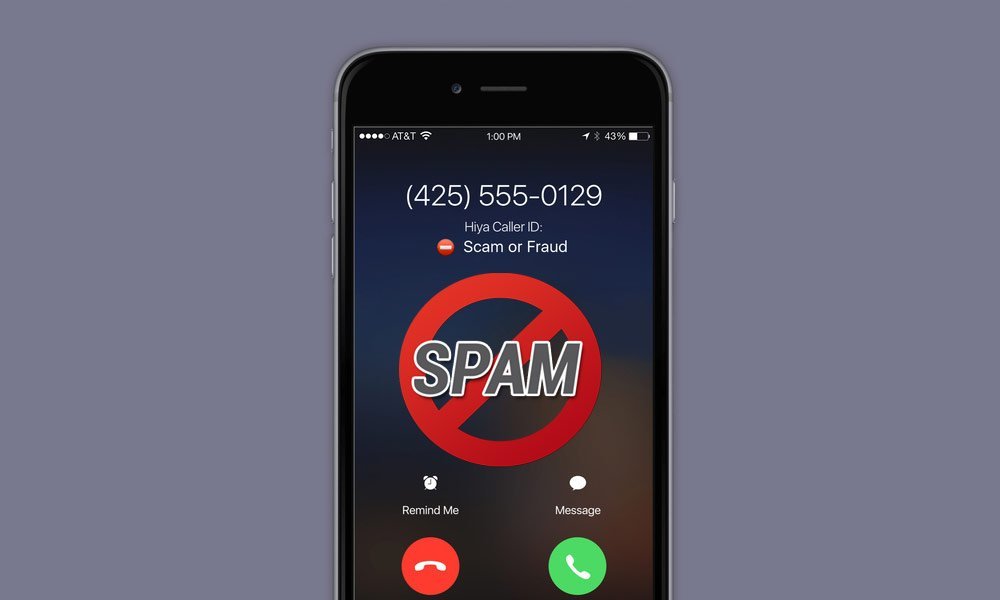
How to Stop Spam Calls on an iPhone Without Blocking Real Contacts
How to Stop Spam Calls on an iPhone Without Blocking Real Contacts

Nothing ruins a quiet afternoon like your iPhone lighting up with ‘Scam Likely’ for the fifth time in a day. You want the robocalls gone, but you’re terrified of missing the pharmacy, your kid’s school, or a job callback from a number you don’t have saved. The good news: learning how to stop spam calls on an iPhone without blocking real contacts is mostly about using settings Apple already gave you — most people just never turned them on.
I’ve tested every approach on this list, and the honest truth is there’s no magic switch that kills 100% of spam while letting every legit call through. But you can get from twenty junk calls a week down to one or two, and that’s life-changing. Here’s the setup that actually works.
How to stop spam calls on an iPhone without blocking real contacts?
Start With Apple’s Built-In Silence Unknown Callers
The single most effective setting is buried in your iPhone: go to Settings, then Phone, and turn on Silence Unknown Callers. This sends any number not in your contacts, recent calls, or Siri suggestions straight to voicemail. Legit callers can still leave a message, and you’ll see a missed-call notification. It’s not blocking — it’s screening — which is exactly the distinction you want.
The catch? That callback from the job interview or the delivery driver will go to voicemail too. That’s the trade-off, and for most people it’s worth it. Here’s my workaround: when you’re expecting an important call from an unknown number — a repair tech, a doctor’s office — temporarily toggle the setting off, or add their number to your contacts the moment you get it. Two taps, problem solved.
How to Stop Spam Calls on an iPhone With Carrier Tools
Your carrier has free spam-fighting tools that work alongside Apple’s settings, and they’re better than they used to be. Verizon’s Call Filter, AT&T’s ActiveArmor, and T-Mobile’s Scam Shield all identify and block suspected spam at the network level before your phone even rings. Download your carrier’s app and turn on the spam blocking — it takes about three minutes.
These tools use the STIR/SHAKEN caller ID verification standard, which is the industry’s answer to spoofed numbers. It doesn’t catch everything, but combined with Silence Unknown Callers it filters out the vast majority of robocalls. One warning: carrier apps sometimes flag legitimate business calls too, so check the blocked-call log once a week at first. If your pharmacy’s calls keep getting eaten, whitelist the number.
Smarter Habits That Cut Spam at the Source
Here’s the part nobody wants to hear: a lot of spam calls happen because your number is floating around in data broker databases. Every time you enter your real number on a sketchy contest form or a ‘free quote’ site, you’re feeding the machine. Start using a free Google Voice number for forms, signups, and anything that isn’t your bank or your boss.
Also, never engage with a spam call. Don’t press 1 to ‘be removed’ and don’t say anything — even silence gets logged by some robocall systems as a live number. Just hang up. And report the worst offenders: on iPhone, you can report junk in the Phone app’s Recents by tapping the info button on some carriers. It takes five seconds and it helps the filters learn.
What About Third-Party Call Blocker Apps?
Apps like RoboKiller, Nomorobo, and Truecaller can add an extra layer, and some people swear by them. They maintain massive databases of spam numbers and can even answer robocalls with joke responses (which is weirdly satisfying). But be honest with yourself about the trade-offs: these apps need access to your call data and contacts, and the good ones cost $2–$5 a month.
My take: try the free built-in tools first for two weeks. If you’re still getting hammered — some numbers end up on aggressive call lists — then a paid app is worth testing. Just read the privacy policy first, because you’re handing a company your call history. And if spam texts are the bigger problem, check out our guide on spotting scam websites before you order, since smishing texts often link to fake stores.
Quick Answers
- Turn on Silence Unknown Callers: Settings > Phone > Silence Unknown Callers. The highest-impact single change.
- Install your carrier’s spam app: Verizon Call Filter, AT&T ActiveArmor, or T-Mobile Scam Shield — all free.
- Use a Google Voice number for online forms, contests, and marketplace listings.
- Never interact with robocalls: don’t press buttons, don’t speak, just hang up.
- Whitelist important numbers: add your doctor, pharmacy, kids’ school, and workplace to contacts.
- Check blocked logs weekly for the first month to catch false positives.
- Register at DoNotCall.gov: it won’t stop scammers, but it cuts legitimate telemarketers.
The Bottom Line
Stopping spam calls on an iPhone without blocking real contacts comes down to layering: Silence Unknown Callers for the big win, your carrier’s free filter for backup, and smarter number hygiene so new spam never starts. Most people see an 80–90% drop within a week of setting this up.
The last 10% is just life in 2026 — scammers are persistent. But going from constant interruptions to the occasional voicemail you can delete in two seconds? That’s the difference between dreading your phone ringing and barely thinking about it. Set it up once, check the logs occasionally, and get back to your day.
Frequently Asked Questions
Why am I suddenly getting more spam calls than before?
Spikes usually mean your number landed on a fresh call list — often after a data breach, signing up for something with your real number, or list brokers reselling. It can also follow natural disasters or tax season, when scammers run themed campaigns. The fix isn’t waiting it out; it’s tightening your defenses as described above. And if the same scammer keeps calling, remember the same tricks apply to their pop-up cousins — see our guide on what to do about fake virus pop-up scams, since it’s often the same criminal outfits.
Do spam call blockers share my data?
They can see a lot — call logs, contacts, sometimes more — which is the trade-off. Stick to your carrier’s free tools (Verizon Call Filter, AT&T ActiveArmor, T-Mobile Scam Shield) if privacy worries you, since carriers already have your call data. For third-party apps, read the privacy policy and prefer ones with clear data-deletion options. The FCC’s guide to stopping unwanted robocalls lists your rights and the official tools available.
Can I sue robocallers?
Technically yes — the TCPA allows $500–$1,500 per illegal robocall, and there are lawyers who take these cases. Practically, most scam calls come from overseas operations you’ll never identify. It works best against legitimate US companies robocalling you illegally (yes, it happens). Document everything: screenshots of call logs, dates, times. For most people, though, blocking beats litigating — save the lawsuits for the egregious repeat offenders you can actually identify.