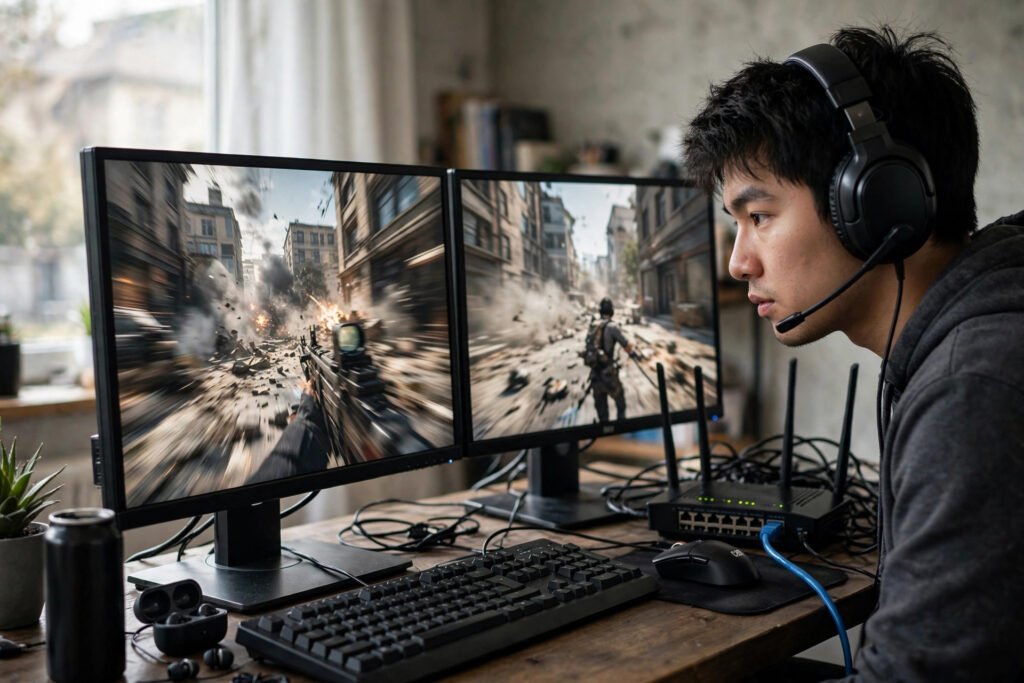
How to Fix High Ping in Online Matches: Priority Order Fix
You’re lining up the game-winning shot. You click. Nothing happens. Half a second later your character fires — into a wall, because the enemy moved. You didn’t miss. Your ping did. High ping — the delay between your action and the server’s response — is the invisible tax on every online match, and it’s the difference between “I’m bad at this game” and “my connection is bad at this game.” Here’s how to fix high ping in online matches, in order of impact.
First, Measure What You’re Actually Dealing With
Before changing anything, get numbers. Run a speed test (note ping, not just download speed — a 500 Mbps connection with 80ms ping plays worse than 50 Mbps with 15ms), then check in-game ping to your actual game servers, which is the only number that matters. Most games show server ping in the server browser or settings; pick the lowest-ping region available to you.
Understand the scale: under 30ms is excellent, 30–60ms is fine for everything, 60–100ms is playable but you’ll feel it in fast shooters, and over 100ms is genuinely handicapping. Also note jitter — ping that swings wildly between 20 and 120 is worse than a stable 80, because inconsistency destroys timing. The FCC’s broadband performance reports show how much ping varies by connection type and provider — useful context if you’re shopping for better service.
The Big Win: Get Off Wi-Fi
This is the fix that dwarfs all others. Wi-Fi adds 5–30ms of latency plus jitter from interference, congestion, and the fundamental half-duplex nature of wireless. An Ethernet cable — even a long, ugly one run along baseboards — typically cuts ping by 10–30ms and nearly eliminates jitter. It’s a $15 fix for a problem people spend hundreds chasing.
If Ethernet is truly impossible, optimize the Wi-Fi aggressively: use the 5 GHz band (faster, less interference, shorter range) or 6 GHz if your router supports it; position yourself close to the router with minimal walls between; and kick bandwidth hogs off during matches (someone’s 4K stream is your packet loss). Powerline adapters — networking over your home’s electrical wiring — are a solid middle ground, usually better than Wi-Fi though worse than true Ethernet.
Fix Your Home Network
Your router is probably the bottleneck and probably misconfigured. The high-impact moves: enable QoS (Quality of Service) and prioritize your gaming device — this stops a background update from spiking your ping mid-match; update router firmware (manufacturers quietly fix latency bugs); and reboot the router if it’s been running for months (memory leaks are real).
Then hunt bandwidth thieves: cloud backups, automatic updates, and streaming devices all compete for your connection’s upload capacity — and upload saturation is the #1 cause of ping spikes on asymmetric home connections. Pause OneDrive/Dropbox syncing during matches, schedule OS updates for overnight, and tell housemates when you’re in ranked. A router upgrade helps only if yours is genuinely old (5+ years) or can’t handle your device count; otherwise it’s settings, not hardware. For the Wi-Fi side specifically, improving your Wi-Fi signal without buying a new router covers the free optimizations — and if one room is the problem, why Wi-Fi drops in one room diagnoses the dead-zone issue.
Optimize the PC and the Route
On the PC: close bandwidth-heavy background apps (launchers love to update mid-match), disable Windows’ delivery optimization upload sharing, and if you’re technical, try a different DNS (rarely helps ping, but occasionally improves routing to game servers). Use the game’s server browser to pick the lowest-ping server — auto-select isn’t always optimal, especially near region borders.
The advanced option is a gaming VPN (ExitLag, WTFast, Mudfish): these don’t magically speed up your connection, but they can find better routes to game servers when your ISP’s default path is congested. Results vary wildly — they help some players enormously and do nothing for others. Every reputable one offers a free trial; test with actual in-game ping measurements, not marketing claims. If your base ping to the nearest server is already good, a VPN won’t help.
When It’s Your ISP (and What to Do)
Sometimes the problem is upstream. Signs: high ping at all hours even over Ethernet with nothing else using the connection, ping spikes at consistent times (evening congestion), or traceroutes showing latency appearing at your ISP’s hops. Document it — run ping tests at different times for a week, screenshot the patterns — then call your ISP with data, not complaints. “My ping to Chicago servers is 120ms at 8pm and 25ms at 8am, here’s a week’s log” gets escalated; “my game lags” gets a modem reboot script.
Know your technology’s limits: cable internet shares bandwidth with neighbors (evening slowdowns are structural), DSL is distance-sensitive, fixed wireless and satellite add inherent latency (Starlink is playable at 40–60ms; traditional satellite at 600ms+ is not for gaming, full stop). Fiber is the gold standard — if it’s available at your address and you’re serious about online gaming, it’s the single best infrastructure upgrade. A speed test with ping measurement run at different times of day is the evidence you need for any ISP conversation.
Packet Loss: Ping’s Evil Twin
High ping gets the blame, but packet loss — data that never arrives — is often the real culprit behind teleporting players and shots that don’t register. Even 1–2% packet loss visibly degrades a match; 5%+ makes games unplayable regardless of ping. The causes overlap with ping issues (Wi-Fi interference, saturated upload, bad routing) but packet loss has its own signature fix: it often comes from a failing cable, a dying router, or ISP infrastructure problems.
Diagnose it with a sustained ping test (ping -t on Windows to your game server for five minutes) and look for timeouts amid the replies. If loss appears on the first hop (your router), the problem is in your house; if it appears several hops out, it’s your ISP or beyond. Document and report accordingly — “3% packet loss starting at hop 4, every evening 7–11pm” is the kind of report that gets fixed.
Conclusion
Fixing high ping follows a clear priority order: measure your real in-game ping first, get on Ethernet (the biggest single win), optimize your router and eliminate bandwidth competition at home, pick the right servers and routes, and only then look upstream at your ISP or connection technology. Most ping problems are solved at steps one through three — in your house, with cables and settings, not with new hardware or new providers. Your aim was never the problem.
Frequently Asked Questions
What is a good ping for gaming?
Under 30ms is excellent, 30–60ms is fine for all genres, 60–100ms is playable but noticeable in fast shooters. Stability matters as much as the number — consistent 70ms beats jittery 20–120ms.
Does faster internet lower ping?
Not directly. Ping depends on routing distance and network quality, not bandwidth. A 50 Mbps fiber connection usually has lower ping than 500 Mbps cable, because fiber’s infrastructure is inherently lower-latency.
Will a gaming router fix my ping?
Only if your current router is the bottleneck — very old, overloaded, or badly configured. For most people, Ethernet and QoS settings on the existing router fix more than new hardware.
Do gaming VPNs actually reduce ping?
Sometimes. They can route around ISP congestion to game servers, helping players whose default route is poor. They can’t beat physics — if the server is far away, no VPN shortens the distance. Always test with a free trial first.