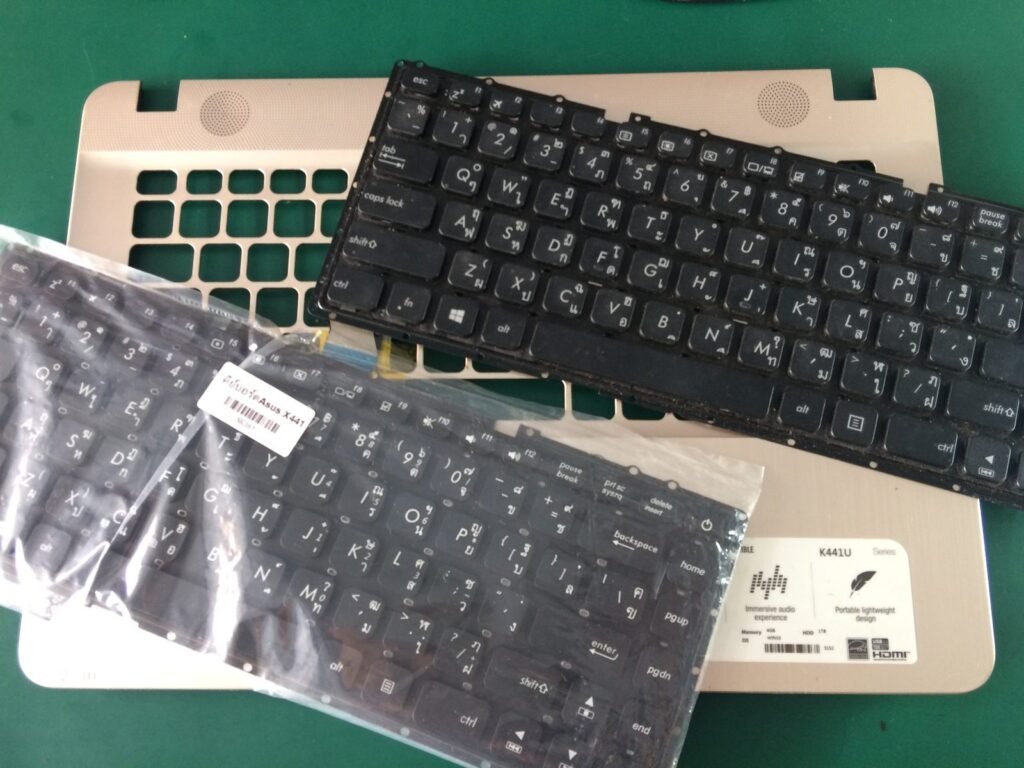
Is It Worth Repairing a Five Year Old Laptop or Buying a New One?
Is It Worth Repairing a Five Year Old Laptop or Buying a New One?

Your five-year-old laptop has started showing its age. Maybe the battery lasts 40 minutes, the screen has a weird flicker, or it just takes forever to wake up. The repair shop quoted you $150, but new laptops start around $400 — and now you’re stuck on the classic question: is it worth repairing a five year old laptop or buying a new one?
I’ve been the person agonizing over this exact decision, and I’ve advised friends through it too. The answer isn’t ‘always repair’ or ‘always replace’ — it depends on what’s broken, what the laptop is, and what you need it to do. Here’s the honest framework I use.
Is it worth repairing a five year old laptop or buying a new one?
The 50% Rule: The Fastest Way to Decide
Here’s the rule of thumb repair techs use: if the repair costs more than 50% of what an equivalent new (or good refurbished) laptop costs, replace it. A $150 battery-and-SSD refresh on a laptop where a comparable new machine is $500? That’s 30% — repair it. A $300 motherboard replacement when new laptops start at $450? That’s throwing good money after bad.
But the 50% rule has a blind spot: it assumes the laptop meets your needs after repair. A five-year-old machine with a fresh battery is still a five-year-old machine — if it’s too slow for your work now, new parts won’t fix that. Be honest about whether the laptop was already frustrating you before it broke. If it was, the breakdown is just the universe giving you permission to upgrade.
Repairs That Are Worth It vs. Money Pits
Some repairs are genuinely great value on a five-year-old laptop. A battery replacement ($50–$100) can add years of portable life. Swapping a spinning hard drive for an SSD ($40–$80 for the drive) is the single biggest speed upgrade in computing — I’ve seen ancient laptops feel brand new after this. Adding RAM ($30–$60) helps if you’re at 4 GB and the laptop supports more. These are cheap, transformative fixes.
The money pits: motherboard replacements ($200–$400), screen replacements on cheap laptops ($150+ when the whole machine is worth $200), and anything involving liquid damage. Also watch out for the cascade — a five-year-old laptop that needs a battery, a keyboard, AND a screen isn’t a repair candidate, it’s a donor machine. One affordable fix is smart; three is a new laptop wearing a trench coat.
What About the Software Side?
Sometimes the laptop isn’t dying — Windows is just exhausted. Before spending a dime on hardware, consider a clean Windows reinstall or even switching to a lightweight Linux distribution like Linux Mint. I’ve revived ‘dead’ laptops with a fresh OS install more times than I can count, and it costs nothing but an afternoon. If your main complaint is slowness after updates, read why laptops slow down after Windows updates first — you might not need hardware at all.
Also check whether the laptop still gets security updates. If it’s stuck on an old Windows version with no security patches, that’s a genuine reason to replace rather than repair — no bargain is worth banking on an unpatched machine. For school use, also compare against what a basic laptop for a kid should cost; sometimes a cheap new machine beats a repaired old one.
Quick Answers
- Repair it if: One cheap fix (battery, SSD, RAM under $100) solves the problem and the laptop was fast enough before.
- Replace it if: Repair costs >50% of a replacement, multiple parts are failing, or it can’t run current software securely.
- Try first (free): Clean OS reinstall, remove bloatware, check for fan/overheating issues that mimic slowness.
- SSD upgrade: $40–$80, the best bang-for-buck revival for any old laptop with a hard drive.
- Battery: $50–$100 installed — worth it if the laptop stays plugged in anyway? Maybe not; be honest about portability needs.
- Check refurbished: A 2-year-old refurbished business laptop ($250–$350) often beats both repairing and buying new budget models.
The Bottom Line
Is it worth repairing a five year old laptop or buying a new one? If a single sub-$100 repair (battery, SSD, RAM) fixes it and the machine was keeping up with your needs, repair — you’ll get 2–3 more good years. If you’re looking at $200+ in repairs, multiple failing parts, or software it can’t run anymore, buy new (or refurbished) and don’t look back.
My personal bias: I lean toward repairing when it’s one clear problem, because e-waste is real and a $60 SSD has saved more laptops than I can count. But I won’t pretend a 2019 budget laptop with a dying motherboard deserves another dollar. Do the 50% math, be honest about the machine’s real condition, and decide once — then stop second-guessing it.
Frequently Asked Questions
What’s the single best upgrade for a slow 5-year-old laptop?
An SSD, and it’s not close. If your laptop still has a spinning hard drive, swapping in a $40–$80 SSD will make it feel like a new machine — boot times drop from minutes to seconds, and everything responds instantly. It’s a 30-minute job with a YouTube tutorial for most models. Second place: going from 4 GB to 8–16 GB of RAM ($30–$60). These two upgrades together revive the vast majority of aging laptops. The scale of the e-waste problem is another good reason to upgrade rather than trash a working machine.
How do I know if my laptop is too old to save?
Three signs: it can’t run a currently supported operating system (no security updates = unsafe for banking, email, anything important), the processor struggles with basic tasks even after an SSD and clean OS install, or it needs multiple expensive repairs simultaneously. One $60 fix on an otherwise fine machine is smart; $250 in repairs on a laptop worth $150 is sentimentality, not economics.
Is it better to buy refurbished than repair?
Often yes. A 2–3 year old refurbished business laptop (ThinkPad, Dell Latitude) for $250–$350 will outperform most repaired 5-year-old consumer laptops and most new $400 budget models. Business laptops are built to last and easy to repair. Check manufacturer outlet stores (Dell Outlet, Lenovo Outlet) for the best deals with real warranties. It’s the value sweet spot most buyers overlook.