How Do I Stop My Phone From Overheating While Charging?
How Do I Stop My Phone From Overheating While Charging?

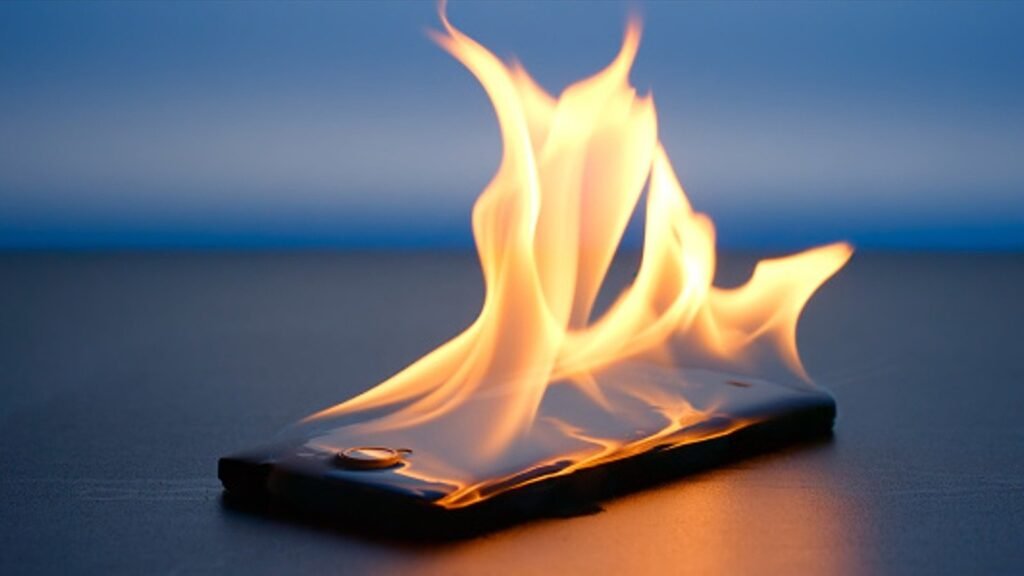
You unplug your phone and it’s uncomfortably warm — almost hot. Maybe it even flashed a ‘charging paused due to temperature’ warning. How do I stop my phone from overheating while charging? Some warmth is normal, but a phone that’s genuinely hot every charge is telling you something’s wrong.
Heat is the enemy of battery longevity, so this is worth fixing properly. The causes range from a $5 cable to settings that are fighting the charger. Here’s the full diagnosis.
How do I stop my phone from overheating while charging?
Why Phones Heat Up While Charging
Charging is chemistry: pushing energy into a lithium battery generates heat as a byproduct, and fast charging generates more of it. A phone getting mildly warm during a 0–80% fast charge is normal physics. What’s not normal: getting hot to the touch, staying hot after unplugging, or heating up during slow overnight charging. That signals excess heat from somewhere it shouldn’t be.
The usual heat sources beyond normal charging: a damaged or cheap cable causing inefficient power delivery, a case trapping heat (especially thick rugged cases), charging in a hot environment (sunlit car dashboard, under a pillow), and — the big one — the phone working hard while charging. If your phone is simultaneously fast-charging, downloading updates, backing up photos, and running navigation, it’s generating heat from the processor on top of the battery. That’s when temperatures spike.
8 Fixes for an Overheating Phone
Work through these — they solve the vast majority of cases.
Quick Answers
- 1. Take the case off while charging. Cases trap heat; even 10 minutes caseless during fast charging helps enormously.
- 2. Use the original or certified cable and brick. Cheap gas-station cables cause inefficient charging and excess heat. Look for MFi (iPhone) or USB-IF certification.
- 3. Stop using the phone while it charges. Gaming, video calls, or navigation during charging doubles the heat load.
- 4. Charge on a hard, cool surface. Not on the bed, couch, or under a pillow — all of which insulate heat.
- 5. Turn on optimized charging. iPhone: Settings > Battery > Battery Health > Optimized charge limit. Android: adaptive charging in battery settings. Slower top-off = less heat.
- 6. Close the heat generators: pause cloud photo backups and big downloads while charging.
- 7. Keep it out of the sun and heat. A car dashboard in summer can push a charging phone past safe temperatures fast.
- 8. Check battery health. A degraded battery (<80%) generates more heat; see battery replacement costs.
The Bottom Line
Your phone overheats while charging because of trapped heat, cheap accessories, heavy use during charging, or a worn battery — usually a combination. The fastest wins: ditch the case while charging, use certified cables, and don’t game while plugged in.
If you’ve fixed all of that and it still runs hot, check battery health — heat plus fast drain means the battery is aging out. And reconsider the overnight habit: charging overnight every night is fine for modern phones, but a hot bedroom plus a thick case plus fast charging is the trifecta for heat damage. Keep it cool and your battery will thank you with years of extra life.
Frequently Asked Questions
Is it normal for my phone to get warm while fast charging?
Yes — mildly warm during fast charging is normal physics; energy transfer generates heat. What’s not normal: hot to the touch, heat persisting long after unplugging, or getting hot during slow overnight charging. Think of it like exercise: warm is working, burning is injury. If your phone is uncomfortable to hold while charging, something beyond normal charging heat is going on — work through the fixes in this article.
Can a hot phone explode?
Modern phones have multiple thermal safeguards — they’ll throttle charging, shut down, or display temperature warnings long before dangerous territory. Actual battery fires are extremely rare and almost always involve physically damaged batteries (punctured, crushed) or counterfeit batteries/chargers. A phone that’s merely hot while charging is degrading its battery faster, not about to explode. Still, never charge a phone with a swollen battery — that’s the one genuine danger sign, and it means stop using it immediately.
Does wireless charging make phones hotter?
Yes — wireless charging is less efficient than wired, and the wasted energy becomes heat. Expect wireless-charged phones to run noticeably warmer. It’s not dangerous with certified chargers, but it does age the battery slightly faster than wired charging. If battery longevity is your priority, wired charging (especially slower wired) beats wireless. If convenience wins, wireless is fine — just keep the phone cool and cased lightly.
Why does my phone get hot while charging in the car?
Cars are heat traps — dashboard sun plus charging plus often navigation running equals a thermal triple-threat. Use a vent mount (air conditioning cools the phone), keep it out of direct sun, and close unnecessary apps. If your phone shows a temperature warning in the car, move it to shade immediately and let it cool before continuing to charge. Summer car charging is the #1 real-world overheating scenario.
Should I remove my case every time I charge?
For fast charging, yes — it makes a real difference, since cases trap the heat that fast charging generates. For slow overnight charging, it matters less, but a thick rugged case in a warm bedroom still adds up. You don’t need to make it a ritual; just know that caseless charging runs cooler, and if your phone runs hot, the case is the first thing to try removing. The chemistry of lithium-ion batteries explains why heat is the primary aging factor — cooler charging directly extends battery lifespan.
Does charging to 100% cause overheating?
Not directly — the heat comes from the charging rate, not the target percentage. But the last 10% (90–100%) generates disproportionate heat on some phones because the battery management works harder to top off safely. This is another reason optimized charging (holding at 80% overnight) helps: it skips the hottest, most stressful part of the charge cycle until just before you wake. Less time at high charge + less heat = longer battery life.
Can a bad outlet cause my phone to overheat?
The outlet itself rarely matters, but cheap public USB ports and no-name chargers absolutely do — inconsistent power delivery forces the phone’s power management to work harder, generating heat. Stick to certified bricks and cables, especially in airports, hotels, and cars. A $5 gas station charger isn’t worth the battery damage. When traveling, bring your own trusted charger rather than relying on whatever’s available.
Pingback: Charging Phone Overnight Every Night: Safe or Not?